Why last-minute meetings break time-blocking
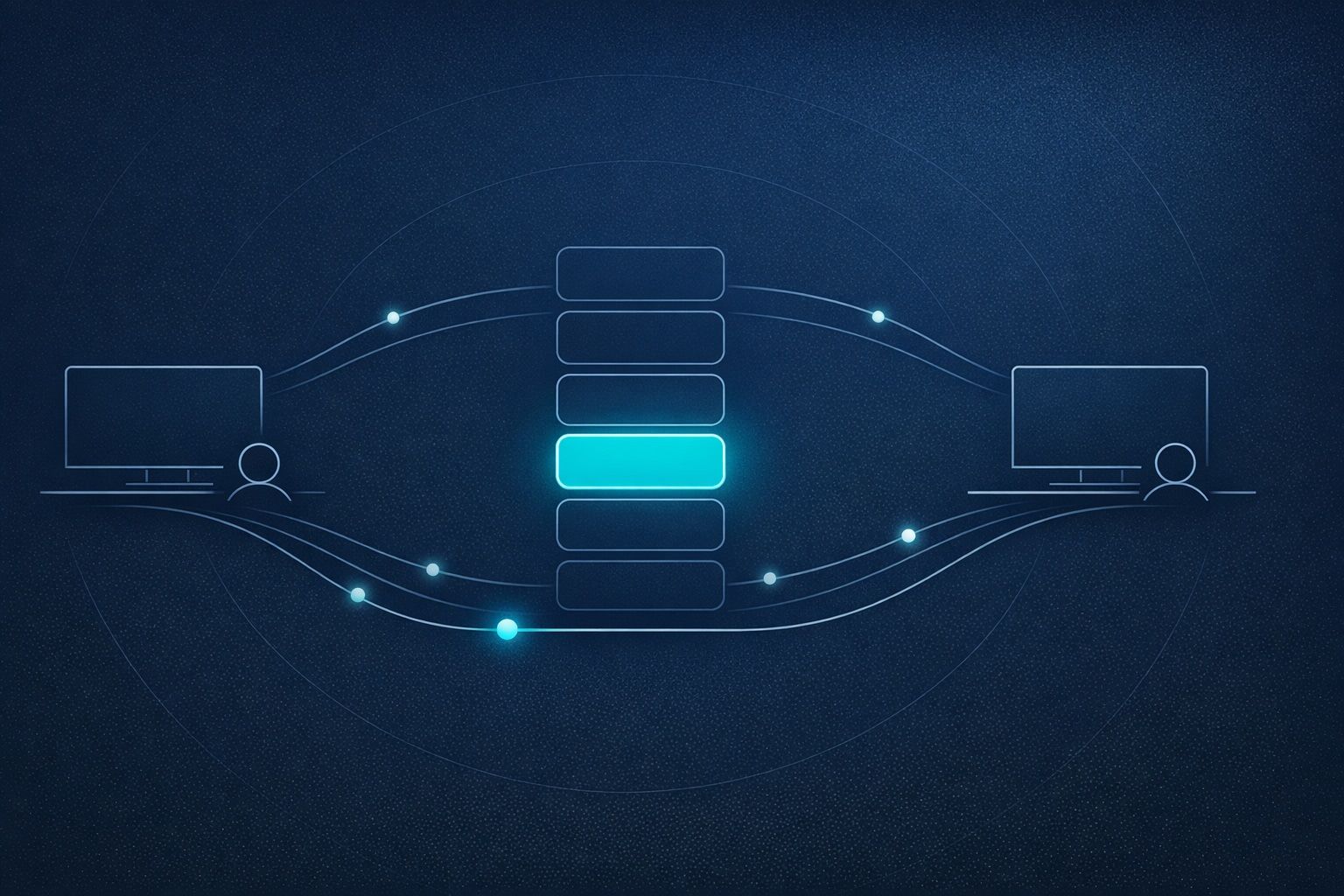
Most time-blocking advice assumes your calendar is mostly stable. In reality, teams add “quick syncs,” customers reschedule, and decision-makers pull you into urgent calls. The result isn’t just a messy day—it’s hidden costs: fragmented focus, rushed preparation, and a backlog that spills into nights and weekends.
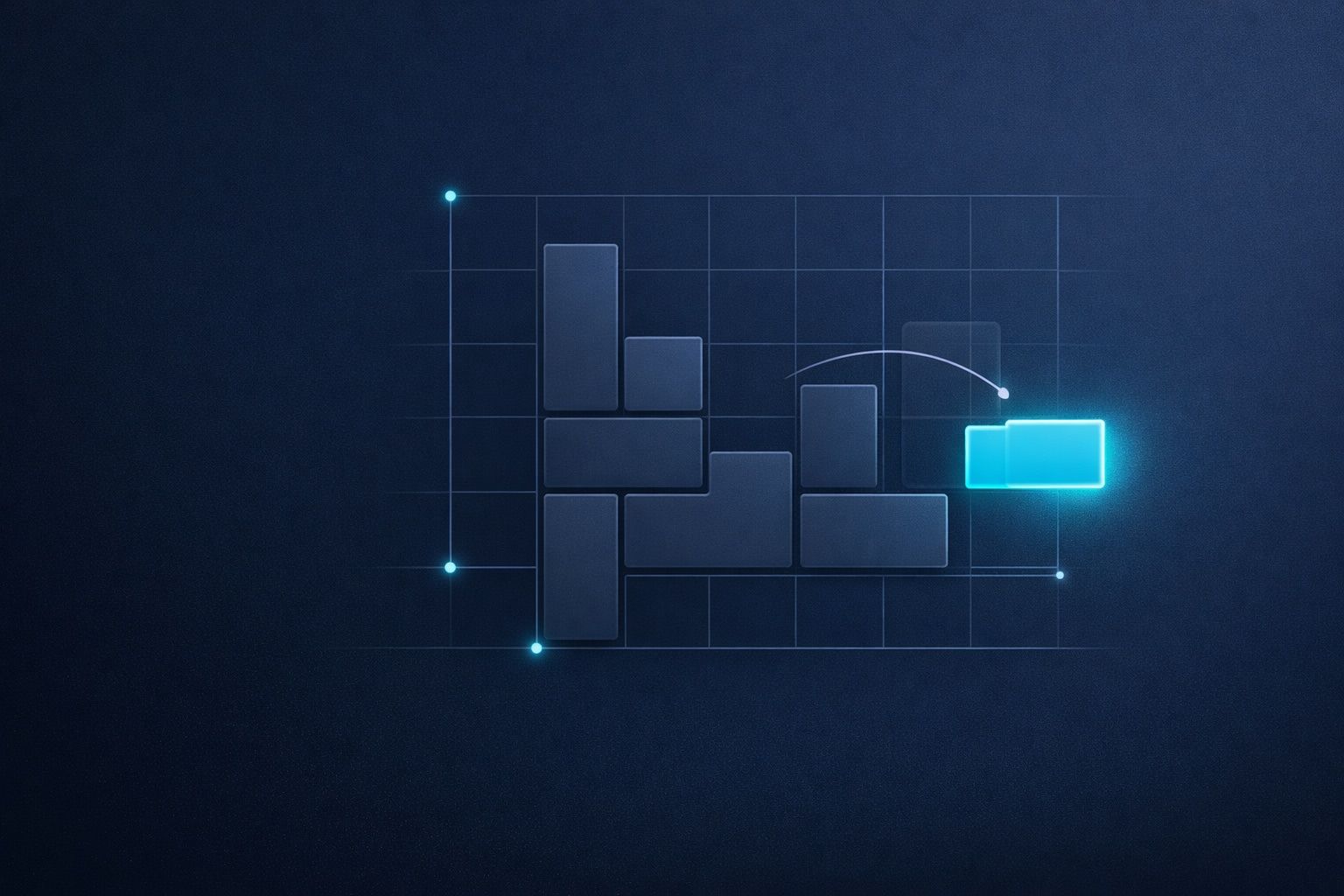
The “Time‑Block Tetris” Protocol is a rule-based way to repack your day when meetings get inserted late. Instead of re-planning from scratch (which is slow and emotionally draining), you apply a small set of consistent rules to move blocks, protect priorities, and keep the day coherent.
The Time‑Block Tetris Protocol in one sentence
When a new meeting lands, you classify it, reserve the minimum prep and recovery time, then shift your remaining blocks using a fixed priority order—without breaking your deep-work anchors.
Set up your board before anything changes
Tetris works because the board has structure. Your calendar needs the same. The protocol starts with three setup elements you maintain daily:
1) Two “anchors” you don’t move
Choose two non-negotiable blocks that define a good day. Common examples:
- Deep work anchor: 60–120 minutes for your highest-value work.
- Admin/communication anchor: 30–60 minutes for email, approvals, and follow-ups.
These anchors reduce the chance that meeting churn destroys your ability to produce anything meaningful.
2) A buffer policy
Last-minute meetings don’t only take the meeting time; they steal transitions. Pick a simple default:
- Prep buffer: 5–15 minutes before meetings that require context.
- Recovery buffer: 5–10 minutes after meetings that generate tasks or decisions.
These buffers are not “nice to have.” They are the glue that keeps your day from becoming a chain of late arrivals and half-finished notes.
3) A single place where tasks become scheduled actions
The protocol is easiest when tasks and calendar blocks live together. A productivity workspace like Routine makes this practical: you can convert tasks into time blocks, capture meeting notes next to the event, and quickly re-slot work without juggling separate apps.
Step 1: Classify the inserted meeting before you move anything
When a meeting appears, don’t drag blocks around immediately. First classify the meeting using a simple rule set:
- Hard meeting: fixed time (client call, interview, leadership review).
- Semi-flex meeting: can move within the day (internal sync, 1:1).
- Soft meeting: can become async (status updates, minor alignment).
This classification prevents a common error: sacrificing high-impact work to accommodate a meeting that could have moved or become async.
Step 2: Reserve minimum viable prep, agenda, and follow-up
Time‑Block Tetris is not only about fitting rectangles. It’s also about protecting the steps that make meetings useful. Apply a minimum standard:
- Agenda block: 5 minutes to define the meeting goal and desired decision.
- Prep block: 10–20 minutes if you need to review docs or metrics.
- Follow-up block: 10 minutes to capture actions, send notes, and assign owners.
If you skip these, the meeting “fits” but your workday quality drops. In collaborative environments, this is where shared agendas and notes matter—capturing decisions immediately reduces rework and misalignment.
Step 3: Apply the repacking rules in a fixed priority order
Now you repack. The key is to always move blocks in the same order, so you don’t renegotiate your day every time something changes.
Rule A: Protect anchors first
Your deep-work and admin anchors are the last to move. If the inserted meeting collides with an anchor, first check if the meeting can shift (semi-flex) or go async (soft). Only if it’s truly hard do you move the anchor—and even then, you move it as a whole block, not by slicing it into small fragments.
Rule B: Preserve the “shape” of deep work
If your deep-work block is 90 minutes, don’t split it into 3×30 minutes unless you have no alternative. Fragmentation increases restart costs: reloading context, re-reading notes, and re-establishing momentum.
Rule C: Move low-leverage blocks before high-leverage blocks
Create three categories for your movable blocks:
- Low-leverage: inbox triage, lightweight admin, routine check-ins.
- Medium-leverage: drafting, analysis, implementation tasks.
- High-leverage: core deliverables, strategy, creative production.
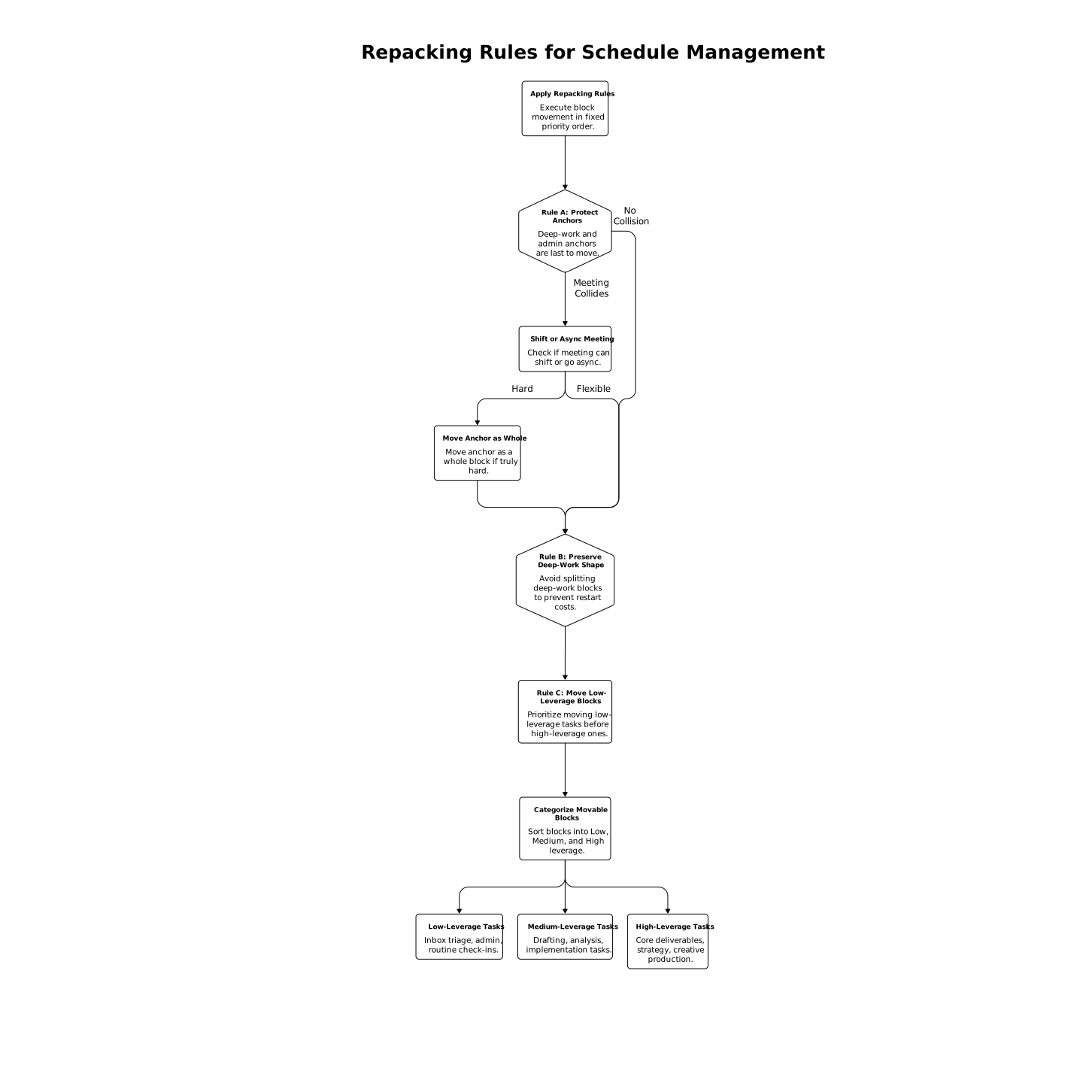
When a meeting lands, you first slide low-leverage blocks into later slots, then medium-leverage. High-leverage work is the last to be displaced.
Rule D: Compress before you spill to another day
Before pushing work to tomorrow, look for compression opportunities:
- Shorten low-leverage blocks by 10–20% (not to zero).
- Batch small tasks into one “operations” block.
- Convert a soft meeting into an async update.
This keeps the day complete without creating a hidden “debt” that makes the next day worse.
Step 4: Use “swap zones” to make change predictable
The fastest repacks happen when you predefine swap zones—blocks you expect to move. Examples:
- Flexible focus block: a 60-minute window for medium-leverage tasks.
- Meeting spill buffer: 30 minutes reserved for overrun and follow-up.
- Open office hours: a daily slot for ad-hoc conversations, reducing random pings.
If your team struggles with interruptions beyond meetings, pairing a swap-zone concept with a communication protocol can help; see the internal guide on a zero-interruptions protocol for remote quick help for ideas on keeping “urgent” from becoming constant.
Step 5: Close the loop with a 3-minute recalibration
After you repack, take three minutes to make the schedule executable:
- Rename blocks to the real outcome (e.g., “Draft proposal section 2,” not “Work”).
- Add one next action in the block description.
- Capture meeting actions immediately so they don’t leak into mental load.
This step matters because repacking without clarity creates a calendar that looks organized but still feels hard to start.
Common failure modes and how the protocol prevents them
“My calendar is full but nothing ships”
This usually means meetings are stealing prep/follow-up time and deep work is being fragmented. Protecting anchors and reserving buffers restores output.
“Every insert triggers a full re-plan”
A fixed priority order (move low-leverage first, compress before spilling) reduces decision fatigue and keeps changes mechanical.
“I keep forgetting decisions and action items”
Meeting notes and tasks need to live next to the event. When you capture actions in the same workspace where you time-block, you reduce context switching and make follow-through more reliable.
How to make Time‑Block Tetris a team habit
Individual repacking gets easier when teams use predictable meeting standards:
- Default to an agenda and desired decision.
- Encourage async updates for soft meetings.
- Respect buffers by ending two minutes early.
- Share notes and action items in a consistent format.
When the team operates this way, last-minute inserts still happen—but they stop derailing the whole day.